
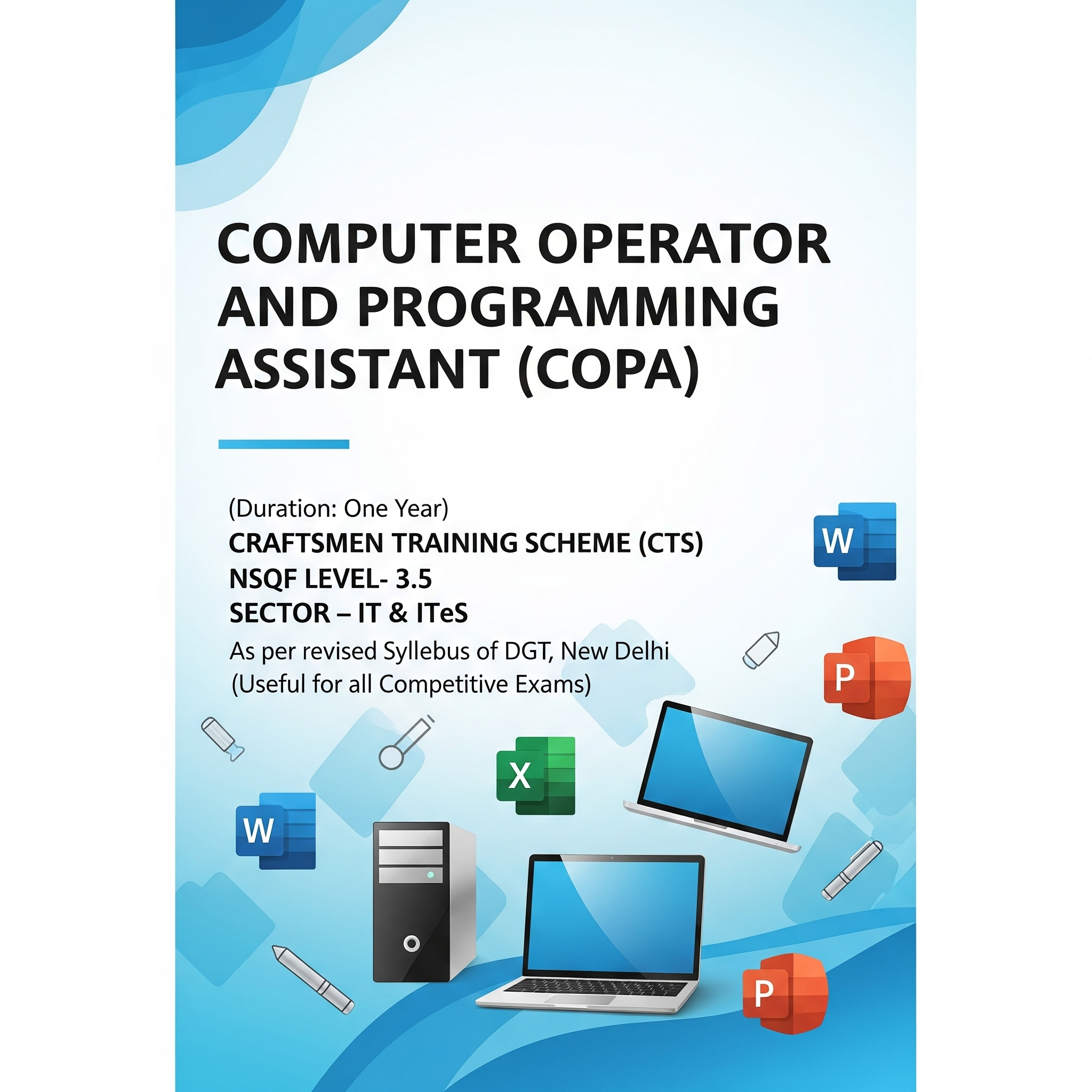
Computer Operator and Programming Assistant (COPA)
One-year training course for IT and computer skills
₹300.00
List of Topics to Learn During the Year – Computer Operator and Programming Assistant (COPA)
Content:
1. Computer Setup & Operating Systems
First aid and safety precautions in computer labs
Types and uses of fire extinguishers
Assembling a computer
Installing and configuring Windows & Linux operating systems
Printer and peripheral installation
Application software installation
Troubleshooting PC issues
Executing DOS & Linux commands
Customizing Windows & Linux OS settings
2. Word Processing
Creating, formatting, and editing documents
Using tables, images, and page layouts
Resume creation with editing and formatting tools
Designing purchase orders and magazines
Creating invitation letters using mail merge
3. Spreadsheet Management
Introduction to Excel tools and Ribbon
Creating mark sheets with data validation
Generating charts and graphs
Preparing pay slips using formulas and functions
Sorting, filtering, subtotaling, and goal seeking
Pivot tables and data analysis
4. Presentation Skills
Creating basic to advanced presentations
Adding tables, images, graphics, audio, and video elements
Applying transitions and animations
5. Database Management with MySQL
Creating relational databases with validation and filters
Importing, exporting, linking, and backing up databases
Writing queries using functions, joins, and sub-queries
6. Networking & Internet Setup
Identifying cables and connectors
Preparing UTP cross cables and connecting computers
Configuring HUB, Switch, DHCP, and Firewall
Sharing printers and internet
Creating email IDs and managing emails
Using chat, video conferencing, and Outlook Express
7. Web Development – HTML & CSS
Designing static web pages using HTML
Working with text, lists, tables, frames, hyperlinks, and multimedia
Styling pages using internal and external CSS
Creating navigation bars, box models, and image sprites
8. JavaScript Programming
Designing dynamic web pages
Using operators, control statements, and loops
Working with strings, functions, arrays, and objects
Creating interactive web forms and image-based effects
9. Advanced Excel & Power Tools
Using advanced formulas and macros
Creating advanced charts and pivot tables
Generating output with Excel power tools
10. E-Commerce Operations
Browsing and purchasing from e-commerce websites
Uploading products for sale
Understanding security measures for online transactions
11. Cyber Security Essentials
Implementing firewall security
Creating backups of data and files
Securing Wi-Fi and network connections
12. Cloud Concepts & Application Development Life Cycle
Introduction to cloud services (Google Drive, Dropbox, Office 365)
Phases of the Application Development Life Cycle
Roles in each phase of development
13. Programming with Python & Java
Installing Python and Java
Writing, documenting, and executing simple programs
Using libraries and in-built modules